
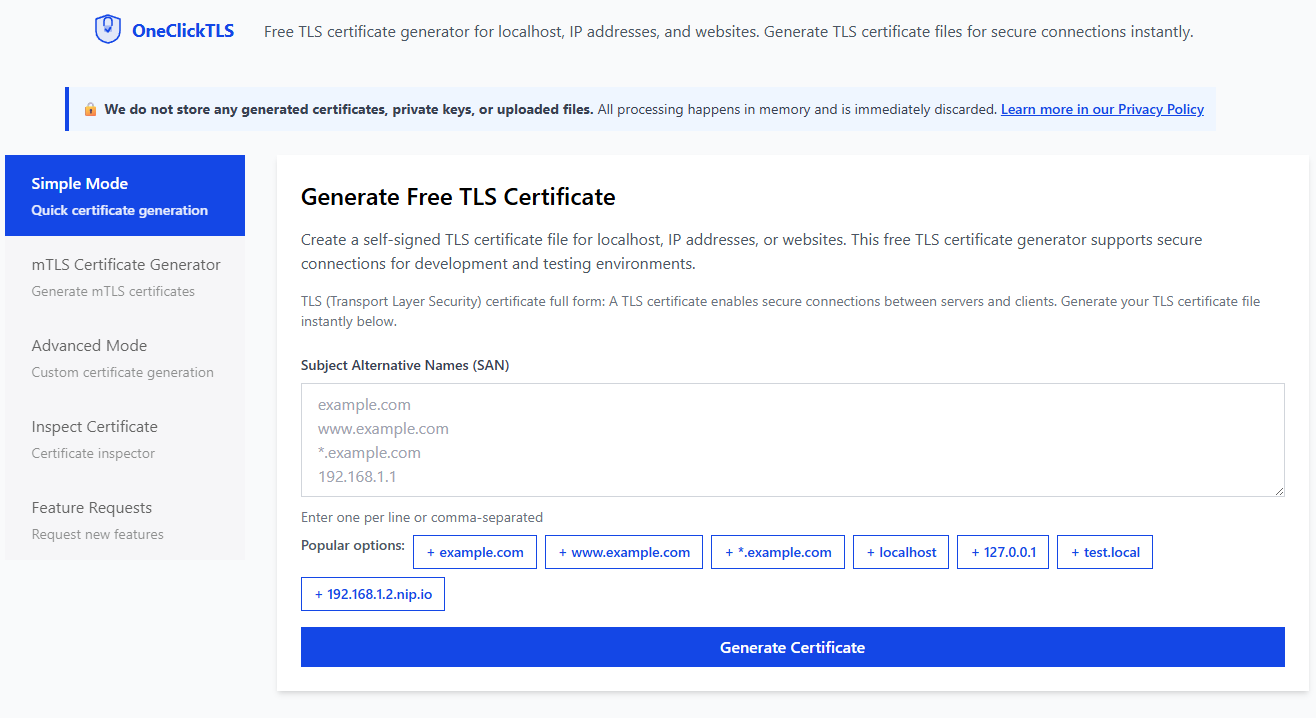
Introducing OneClickTLS: Generate Self Signed TLS and mTLS Certificates Instantly
If you have worked with Kubernetes, Docker, microservices, or local HTTPS development, you already know how frustrating it is to generate self signed TLS certificates. Searching for OpenSSL commands, adjusting SAN values, fixing errors, and repeating the entire process again and again.
After dealing with this pain for years, I finally built a tool that removes all the friction:
OneClickTLS is a lightweight and developer friendly tool that generates self signed TLS and mTLS certificates instantly. There are no complex commands, no confusing configuration files, and no unnecessary steps.
Why Manual Self Signed Certificate Generation Is Painful
Generating self signed certificates with OpenSSL is a common task, but it is also one of the most repetitive and inconvenient parts of development work. Every time you need a certificate, you must search for the correct OpenSSL command, copy it from a blog or StackOverflow, update the values, and run everything manually in the terminal. If OpenSSL is not installed on your system, you also need to install it before even starting the process.
Even a simple TLS certificate with SAN values requires a long and hard to remember command:
openssl req -new -newkey rsa:2048 -nodes -keyout key.pem -out cert.pem \
-subj "/CN=example.com" \
-addext "subjectAltName=DNS:example.com,DNS:www.example.com"
This alone is inconvenient, but generating self signed mTLS is significantly more complicated.
The Hidden Pain of Self Signed mTLS When Using OpenSSL
mTLS requires both server and client certificates. With OpenSSL, you must:
- Create a certificate authority (CA)
- Generate server keys and CSRs
- Generate client keys and CSRs
- Sign both certificates using the CA
- Ensure all SAN values are correct
- Validate the certificate chain
- Manage multiple crt, csr, and key files
- Repeat everything if a single detail is wrong
For most developers, this process takes 10 to 20 minutes each time. It is easy to make mistakes and even easier to forget a step, which means starting over.
This is exactly the type of repetitive work that OneClickTLS was built to eliminate.
Meet OneClickTLS: Three Modes for Every Use Case
OneClickTLS focuses on fast and convenient self signed certificate generation for development, testing, and internal services. It is not a certificate authority like Let’s Encrypt. Instead, it is made for developers who want simple and reliable self signed certificates without the usual hassle.
Screenshot Placeholder
(Add your screenshot of the three modes here)
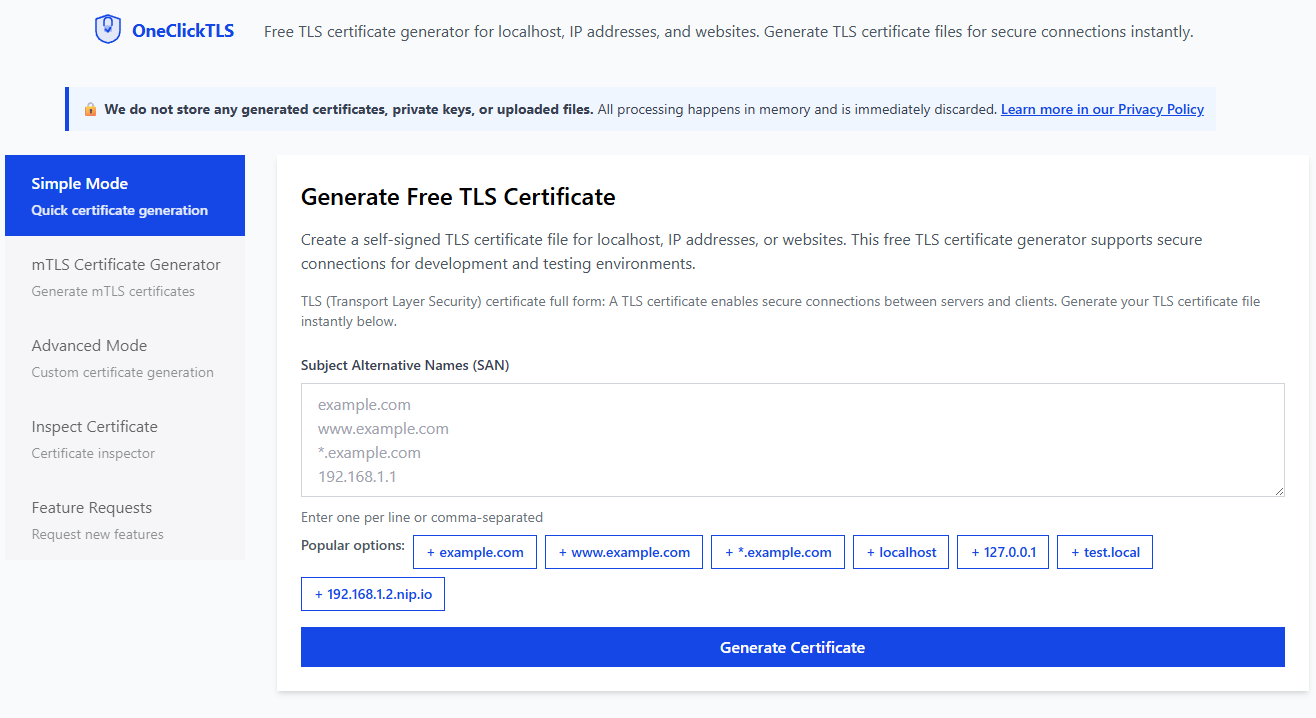
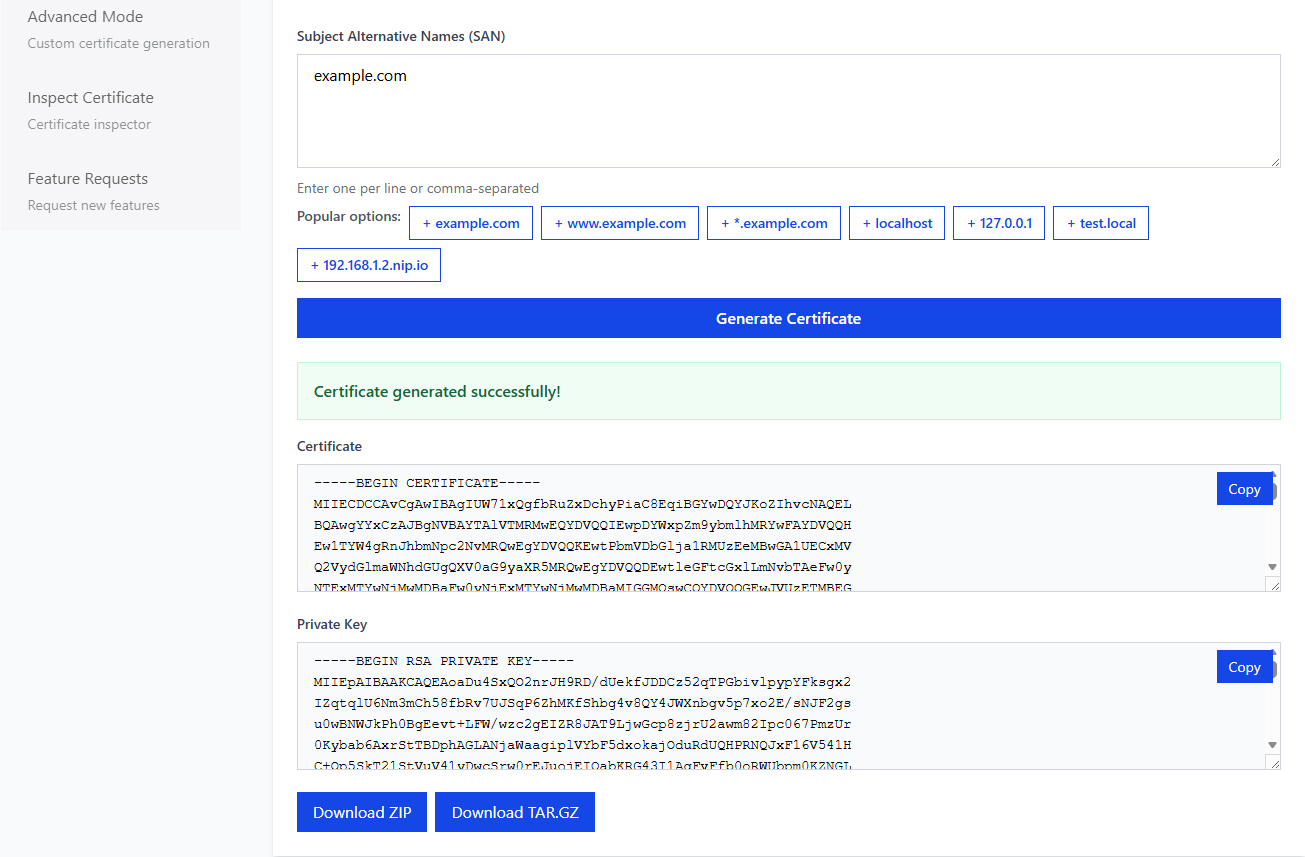
1. Simple Mode
For instant self signed TLS certificates when you only need:
- One SAN
- A ready to use certificate and private key
Perfect for local HTTPS development, quick API testing, and simple reverse proxy setups.
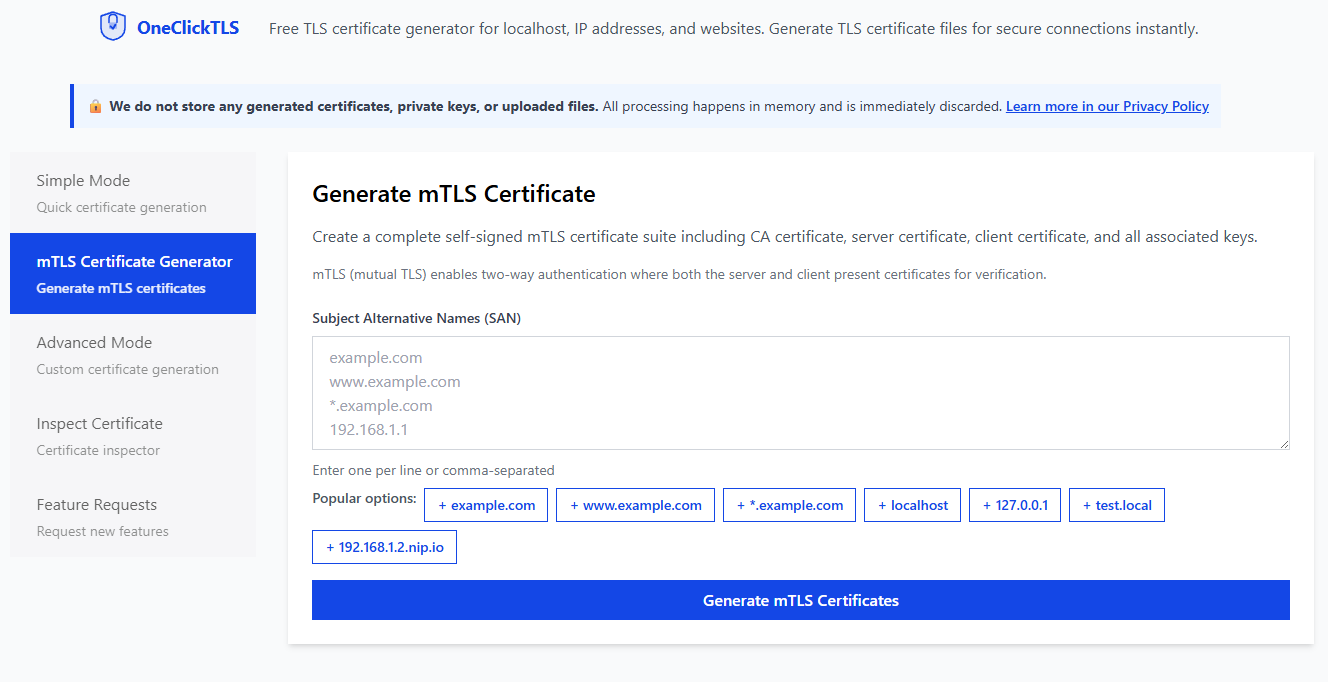
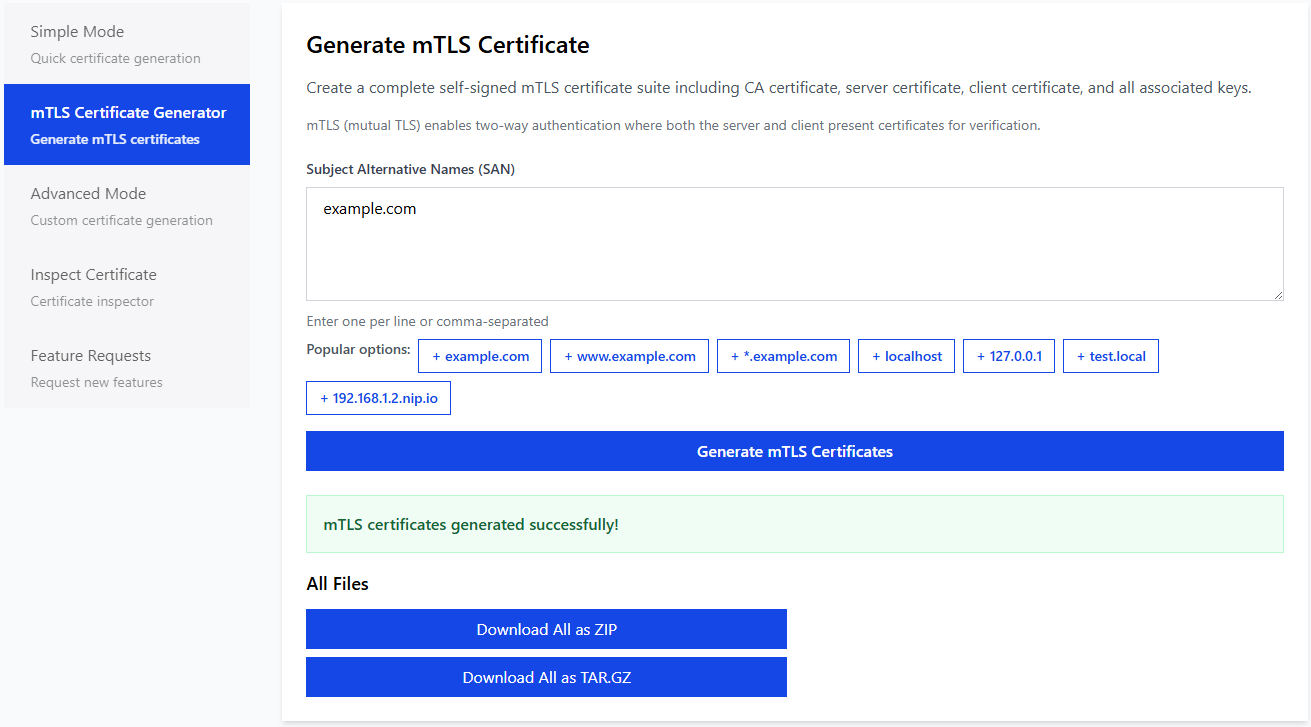
2. mTLS Mode
For generating complete self signed mTLS setups:
- Automatic CA creation
- Server certificate and private key
- Client certificate and private key
- Correct certificate chain structure
Ideal for microservices, internal systems, and IoT devices where mutual TLS authentication is required.
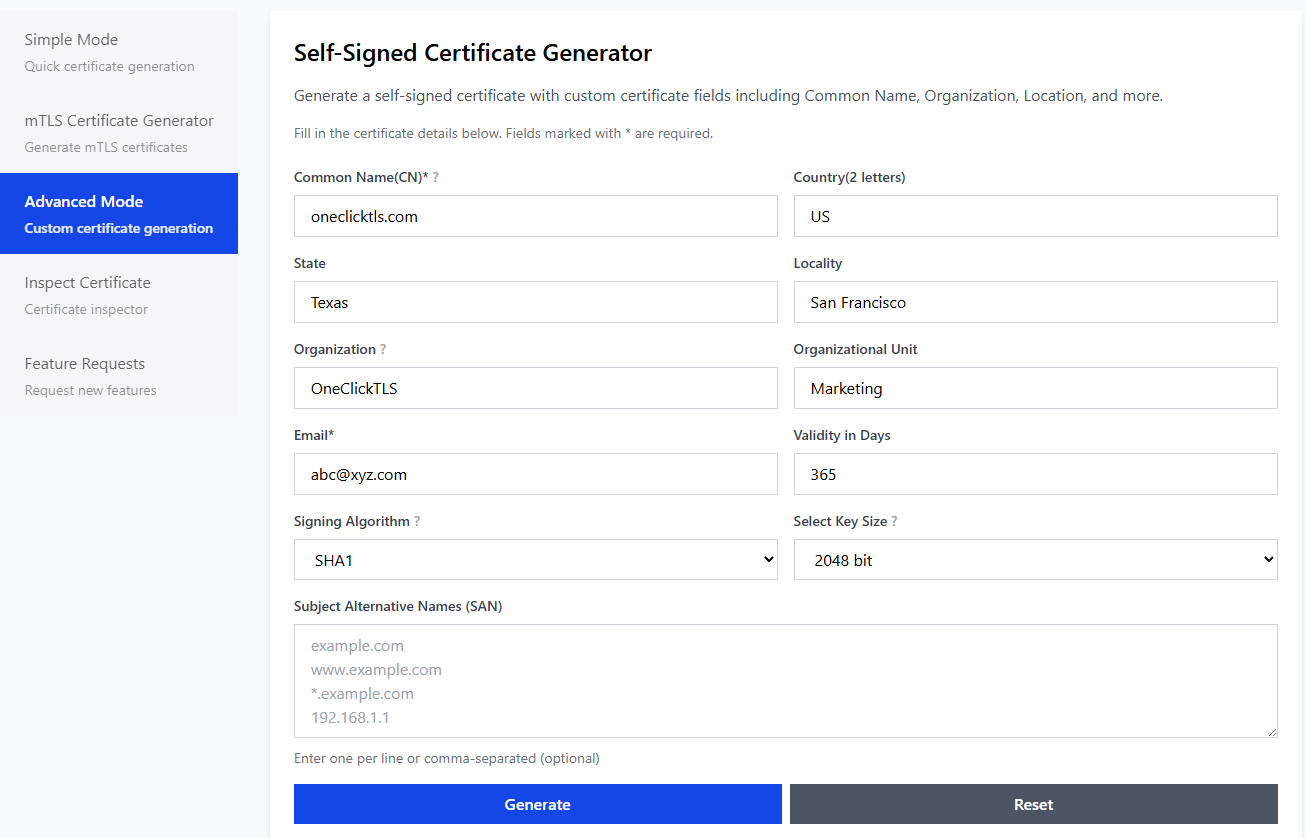
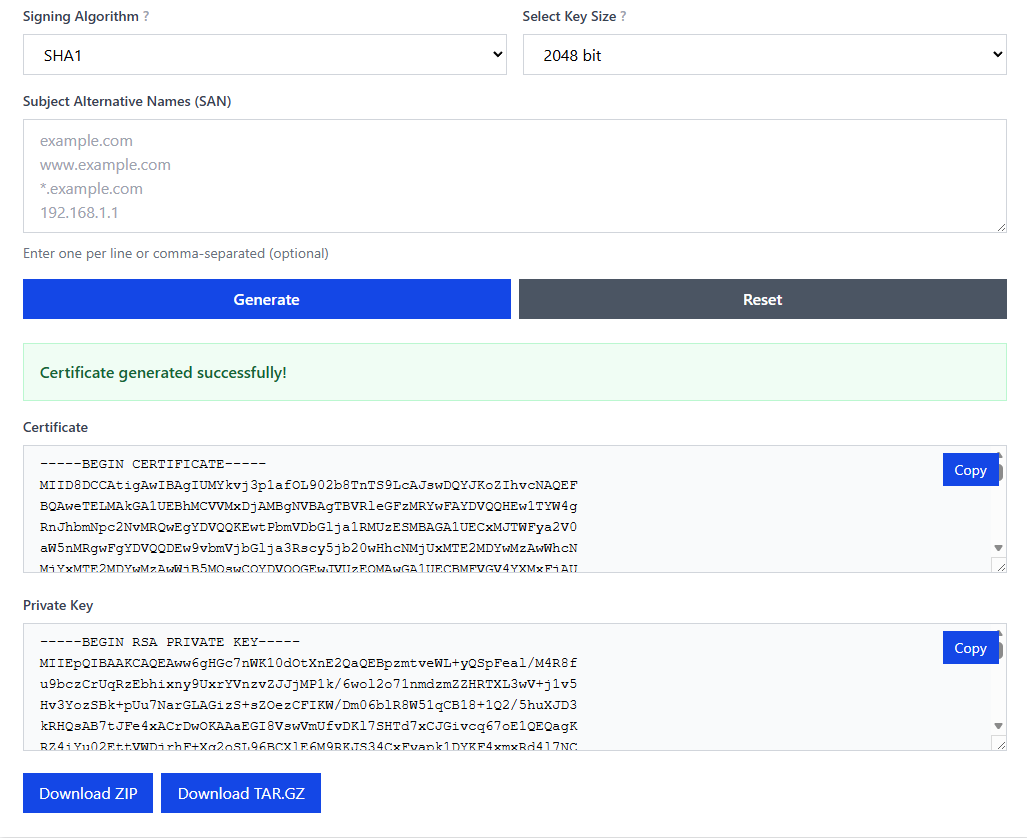
3. Advanced Mode
For developers who want more flexibility without dealing with OpenSSL directly:
- Multiple SAN entries
- Custom Common Name
- Additional certificate attributes
Useful for Kubernetes admission controllers, secure service to service communication, and more advanced testing environments.
All three modes generate clean and ready to use files instantly.
4. Inspect Mode
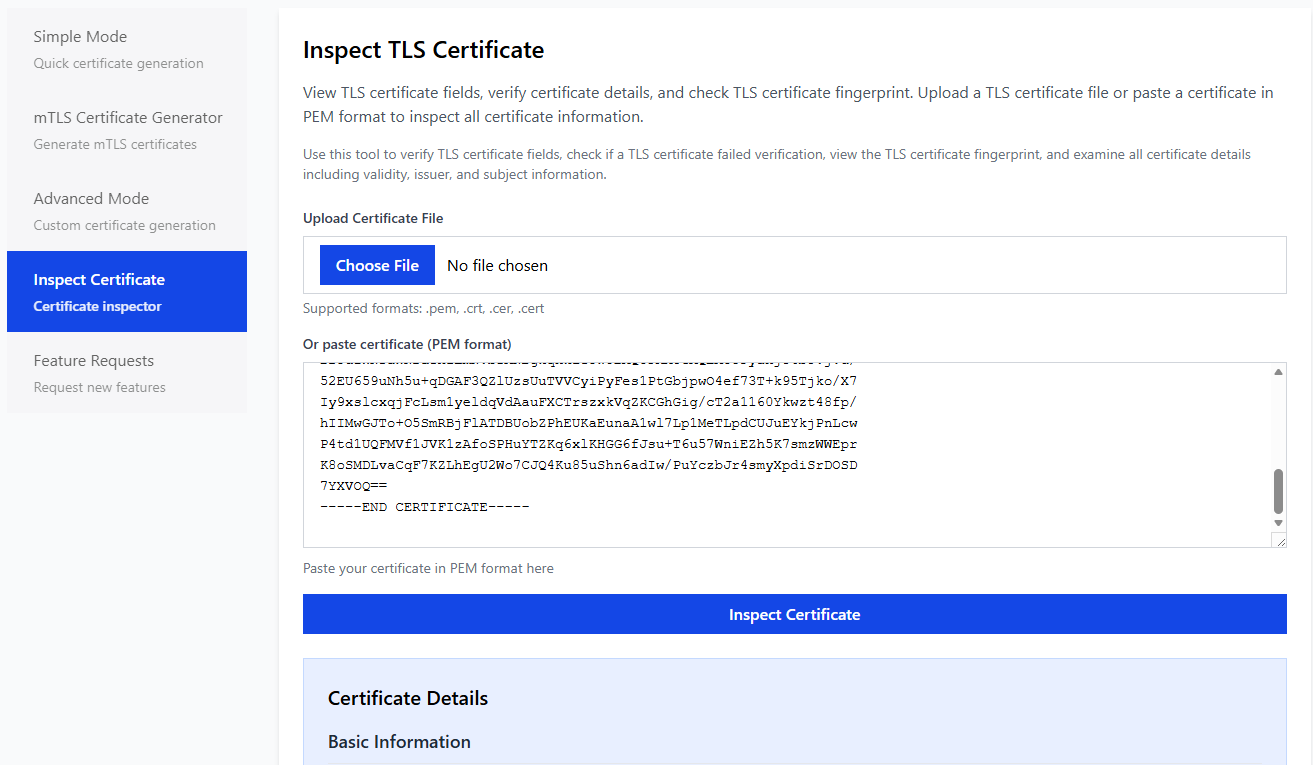
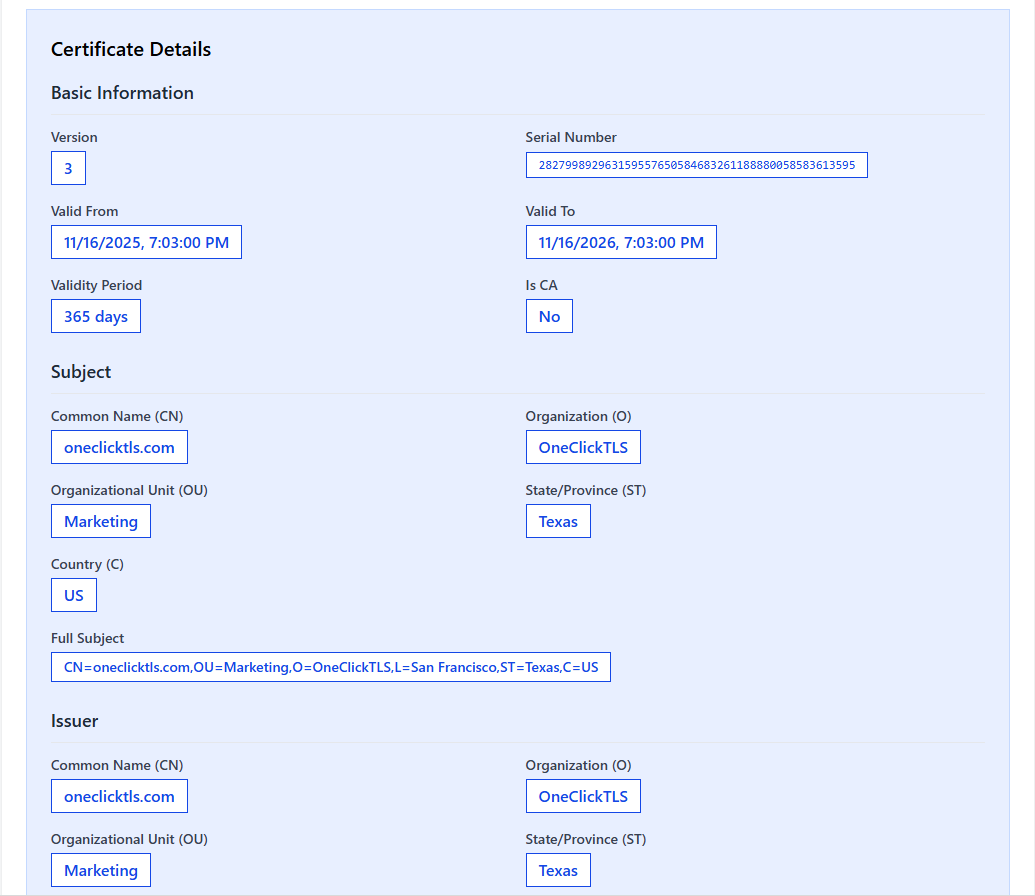
Sometimes you may need to inspect existing certificates. OneClickTLS includes an Inspect Mode that allows you to upload any PEM encoded certificate or paste the PEM content and view its details in a clear format.
Where Developers Use OneClickTLS
OneClickTLS integrates naturally into many development workflows:
- Kubernetes webhook servers
- Docker and container to container communication
- Local HTTPS environments
- Reverse proxies such as Traefik, Nginx, Envoy, and Caddy
- Microservice based mTLS authentication
- Development and staging environments
- CI and automation pipelines
- IoT client authentication setups
If you frequently generate self signed TLS or mTLS certificates, this tool saves time and avoids mistakes.
Try OneClickTLS
You can try the tool here: https://oneclicktls.com
It is fast, free, and designed for developers who want to skip the complicated steps and get usable certificates immediately.
Planned Improvements
At the moment, OneClickTLS focuses on doing one thing well: generating fast and reliable self signed certificates. There is no long roadmap of upcoming features because I prefer to add improvements based on what users actually need rather than guessing.
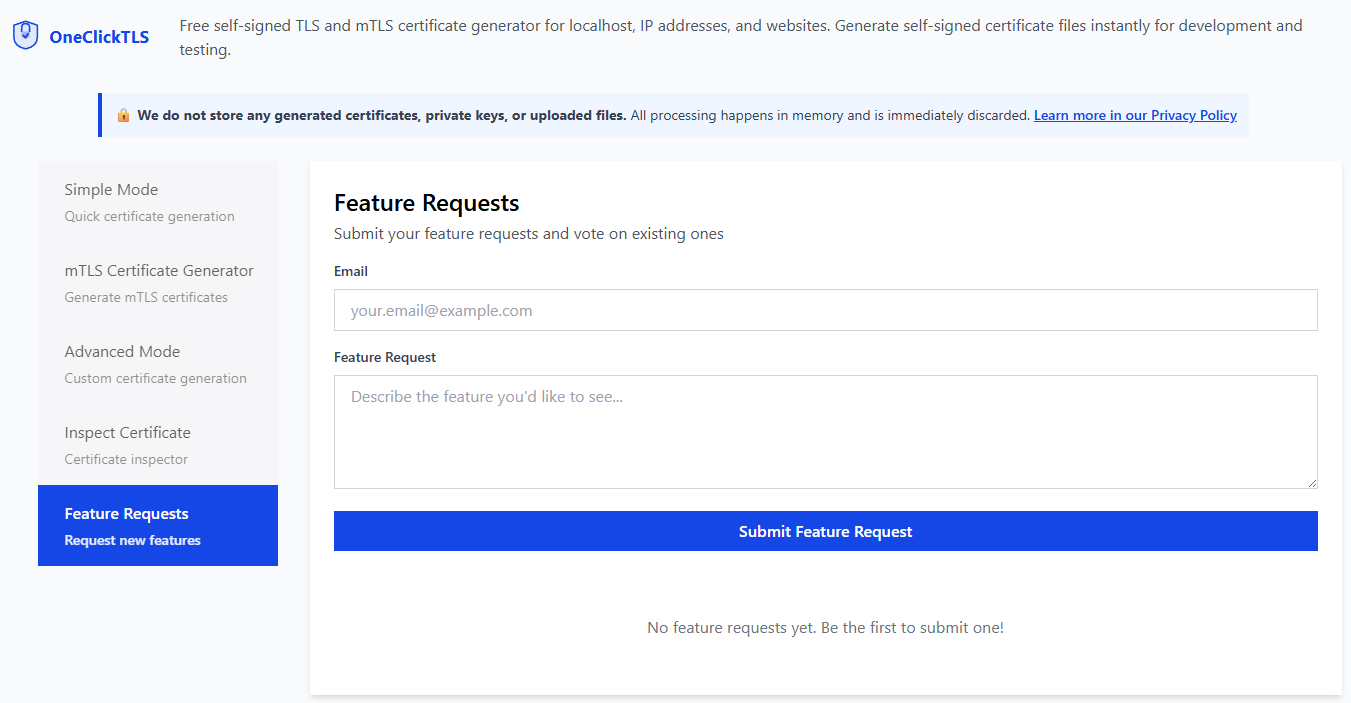
If you have an idea or want something added, you can submit a suggestion on the feature request page. Your feedback directly shapes the next updates for the tool.
Final Thoughts
Self signed certificate generation should never be a slow or frustrating task. Whether you are working with Kubernetes, microservices, or local testing, OneClickTLS removes the repetitive steps and lets you generate certificates instantly.
Give it a try and simplify your workflow. https://oneclicktls.com
Enjoyed this article? Support my work with a coffee ☕ on Ko-fi.

