Buy Me a Coffee
OneClickTLS online certificate generator

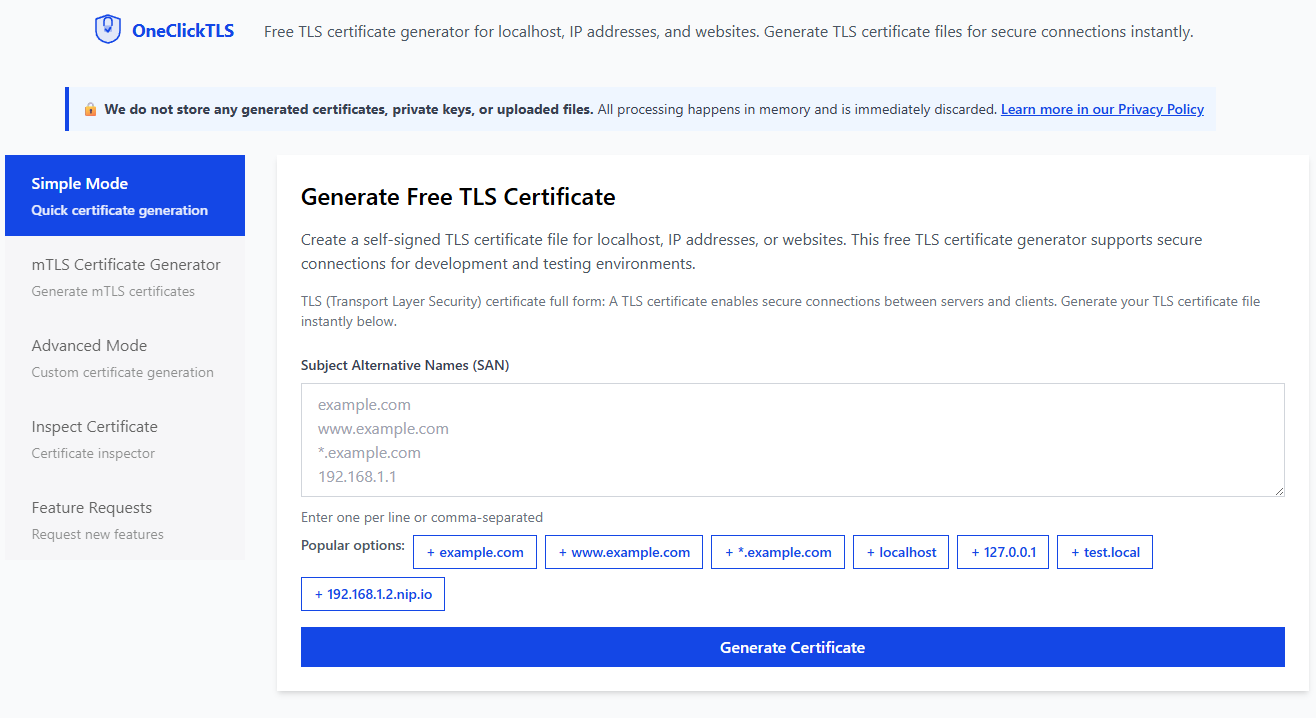
Introducing OneClickTLS: Generate Self-Signed TLS and mTLS Certificates Instantly

Introducing OneClickTLS: Generate Self Signed TLS and mTLS Certificates Instantly If you have worked with Kubernetes, Docker, microservices, or local HTTPS development, you already know how frustrating it is to generate self signed TLS certificates. Searching for OpenSSL commands, adjusting SAN values, fixing errors, and repeating the entire process again and again. After dealing with this pain for years, I finally built a tool that removes all the friction: https://oneclicktls.com ...

Debugging Go Programs in VSCode with Kubernetes

[Kubernetes] How to Debug Programs That Use the Kubernetes Client SDK in VSCode (Golang Example)

When you first work on a Go project that uses the Kubernetes client SDK, you might feel lost about how to debug it on your local environment. Don’t panic. It’s actually very simple once you understand what’s happening behind the scenes. I’ll walk you through how to make it work using VSCode as an example. The Common Confusion When your program is designed to run inside a Kubernetes cluster, it usually connects to the cluster using rest.InClusterConfig(). This configuration relies on the ServiceAccount token mounted at /var/run/secrets/kubernetes.io/serviceaccount/token. When you run the same program locally, that path doesn’t exist, and the SDK will fail to initialize with an error like: ...

parse json arguments from command-line flags

[K8s/TLS] How to Create Local Kubernetes Cluster with Custom TLS Certificates in WSL

1. Introduction In this tutorial, we will walk through the steps to create a local Kubernetes cluster with TLS certificates configured. This setup ensures secure communication between your Kubernetes components. 2. Prerequisites Docker installed on your local machine kubectl installed kind installed OpenSSL installed for generating TLS certificates 3. Install kubectl (Ubuntu) curl -LO "https://dl.k8s.io/release/$(curl -L -s https://dl.k8s.io/release/stable.txt)/bin/linux/amd64/kubectl" chmod +x kubectl sudo mv kubectl /usr/local/bin/ Verify the Installation You can verify the installation by running the following command: ...

DigitalOcean Referral Badge
Sign up to get $200, 60-day account credit !