
Buy Me a Coffee
Automated Docker Image Build and Push

[Docker] Simple Script to Build and Push 'latest' Docker Images with Small Changes for Pull Image Debugging

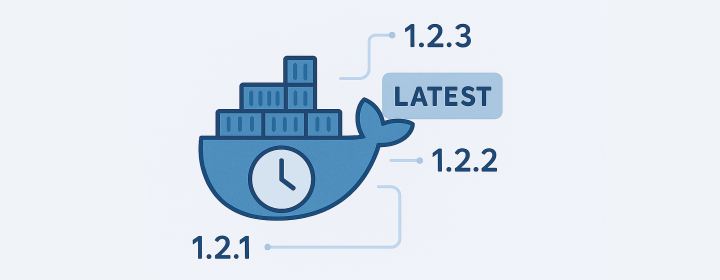
In production environments, many systems still use the latest tag for Docker images. While convenient, this makes it difficult to verify whether your program is actually pulling the updated image or just using a cached one. To properly test the pull logic, you need a workflow that repeatedly builds and pushes images tagged as latest, each with a small change so the digest is unique every time. This post shows how to do that with a lightweight alpine-based image and a simple shell script. The image size is very small and it’s very fast to build. ...

[mTLS] How to Generate Self-Signed mTLS Certs and Keys in 10s (No Click Bait)

1. Introduction No matter if you are a software developer, a quality assurance engineer, or a DevOps engineer, you may need to generate a self-signed mutual TLS(mTLS) or TLS certificates and keys for testing purposes. As the title shows, this post is not a click bait. I will show you how to generate a self-signed TLS certificate and key in 10s for both server and client. Of course, if you have mTLS certificate and key files, you can also use part of them as self-signed TLS certificate and key. ...

[Portainer] Web UI for Self-Host Docker Registry

Setting up a custom UI for a self-hosted private registry with Portainer can be a great way to manage your Docker images and control access to them. In this blog post, I’ll walk through the steps to set up a custom UI for a private registry using Portainer, a popular open-source tool for managing Docker containers. Step 1: Set up a private registry The first step in setting up a custom UI for a self-hosted private registry is to set up the registry itself. You can do this by running the following command: ...

DigitalOcean Referral Badge
Sign up to get $200, 60-day account credit !