

Buy Me a Coffee
Understanding TCP in Go - Common Misconceptions and Practical Examples

[Golang] Understanding TCP: Debunking Misconceptions with Practical Examples

TCP might seem straightforward, especially when using Go. You set up a net.Conn, call Write to send data, Read to receive it, and everything just seems to work. It’s straightforward, minimal, and very Go-like. However, this simplicity can lead to misunderstandings because the details beneath the surface are easy to overlook. This blog post aims to demystify the real workings of TCP using practical examples, tackling common myths, all within the context of Go development. ...
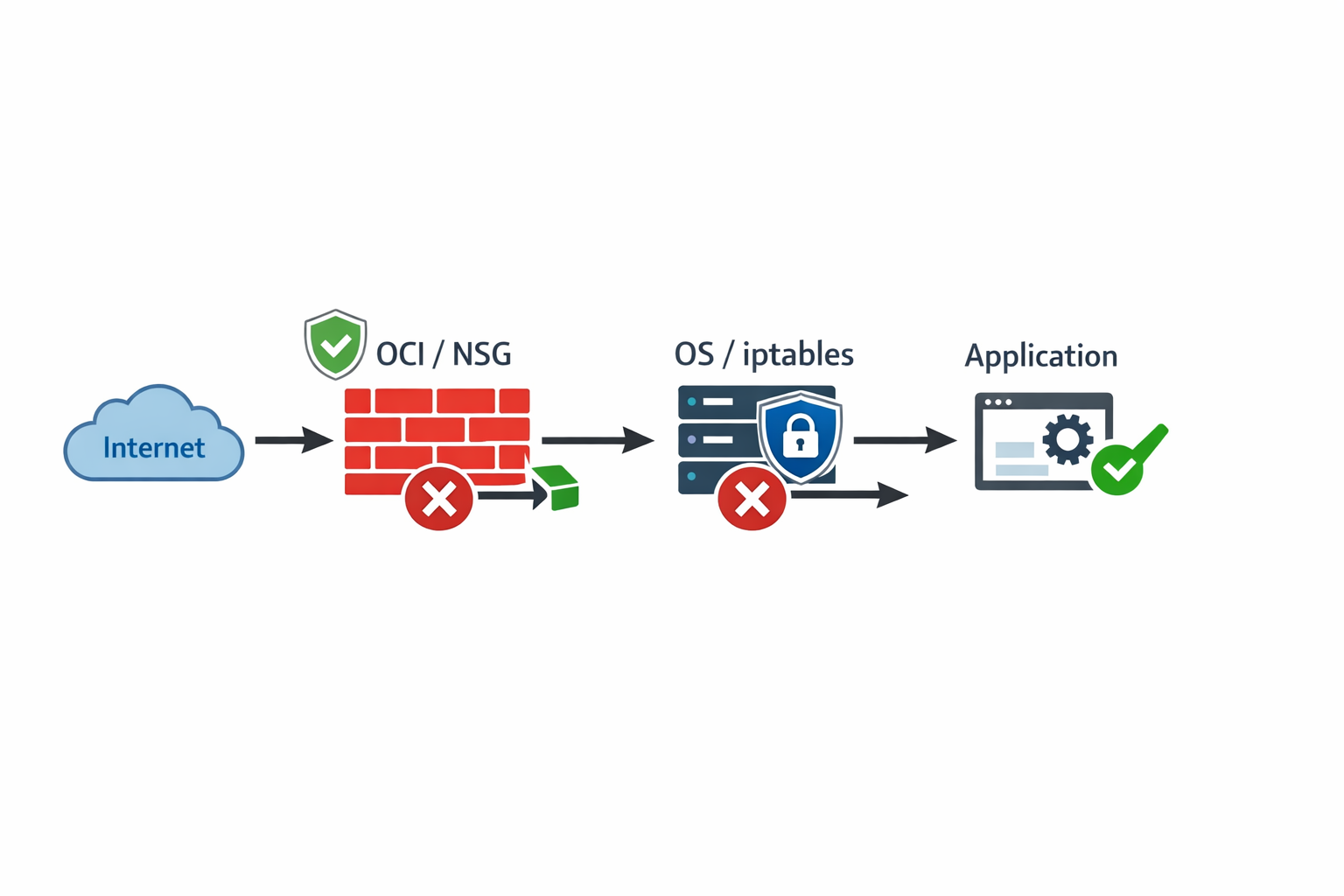

Layered network security diagram on Oracle Cloud Infrastructure.

[OCI] How to Open a Port on an OCI Instance

Ever spent hours wrestling with an application that seems perfectly fine, only to hit a roadblock that feels completely invisible? Chances are, your application isn’t the problem. When deploying services on Oracle Cloud Infrastructure (OCI), connection failure is usually not a coding issue. It’s a network issue. Traffic, before it can reach your running code, must pass through a series of security checkpoints, each acting like a protective gate. The biggest mistake new users make is thinking that opening a port is a single action. In reality, OCI uses a layered security model, and if even one gate is closed, the connection fails. ...

[OCI/Swarm] How to Fix the "connect: no route to host" Error When Joining a Docker Swarm in OCI VM

Hey there, if you’re getting a super frustrating error when trying to join a Docker Swarm in Oracle Cloud Infrastructure (OCI) VM, then you’ve come to the right place! Here’s the error message you might see: Error response from daemon: rpc error: code = Unavailable desc = connection error: desc = "transport: Error while dialing dial tcp 132.12.23.123:2377: connect: no route to host" Yikes! But don’t worry, we’ve got some easy steps you can follow to fix it and get back to your Docker swarming in no time. ...

[Docker] Configure Custom TLS Certificates for Docker API Using Docker-in-Docker

Hey there! Have you ever wanted to configure custom TLS certificates for Docker API, but didn’t want to mess up your local Docker environment before you’re sure everything is working smoothly? Well, fear not! I’ve got a secret recipe for you that involves using Docker-in-Docker (DinD) to run a temporary Docker container with custom TLS certificates mounted. ⚡ Generate instantly: OneClickTLS.com - create self-signed TLS/mTLS certificates in seconds, directly in your browser. No uploads, no storage, and no setup needed - just instant generation. If it saves you time, you can ☕ Buy me a coffee to support future tools like this. To get started, let’s say you already have your custom TLS certificates ready in the path `/tmp/certs``. You can run the following command to start a temporary Docker container with custom TLS certificates mounted: ...

DigitalOcean Referral Badge
Sign up to get $200, 60-day account credit !